
Categories
Group related tasks into colored categories like Study or Health, and pick one for each task.
4 stepsA category groups related tasks: study, work, health, deen. Create your categories once, then pick from them for every task.
-
Step 1 of 4
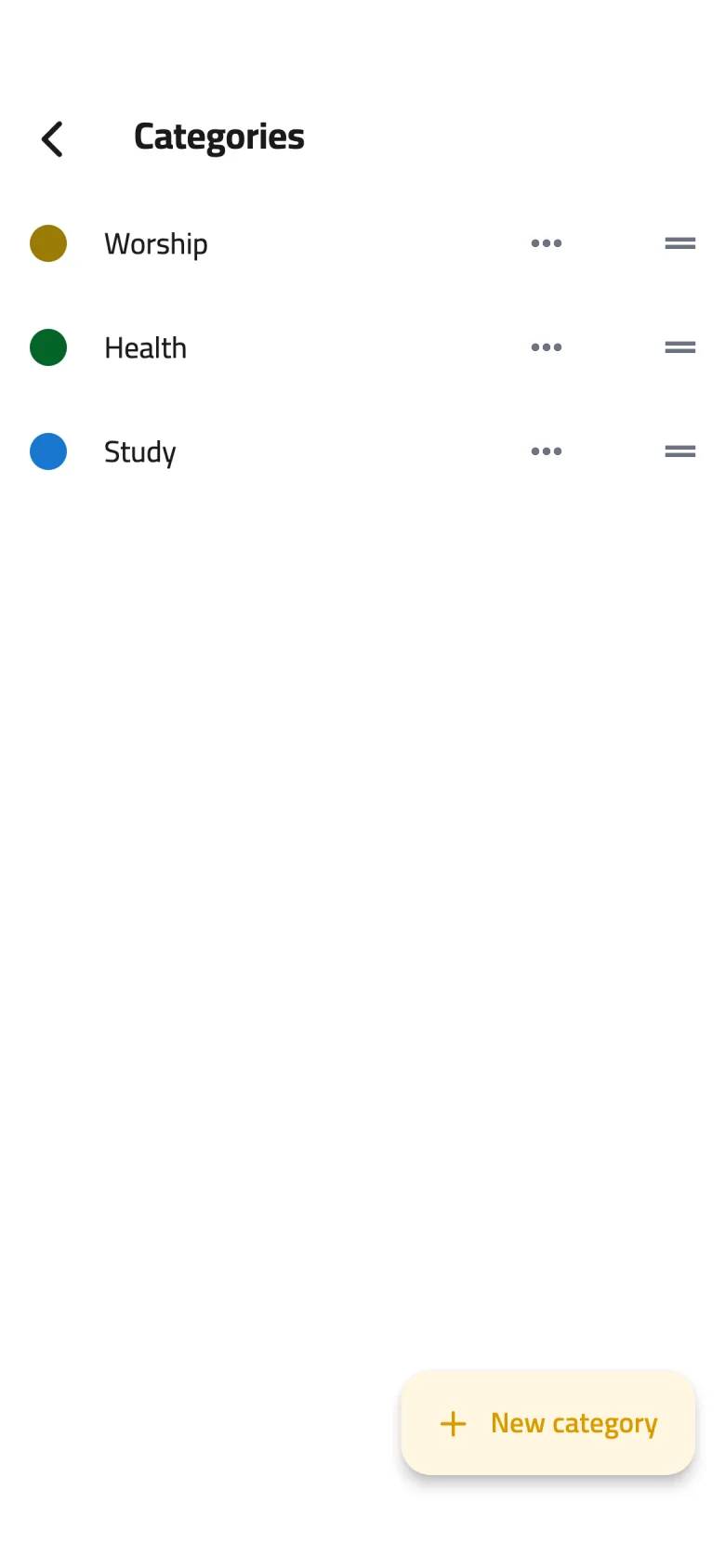
Create a category
On the Profile tab, tap the gear icon to open Settings, choose Manage categories, and tap New category. Type a Category name, pick a color, then tap Save.
-
Step 2 of 4
Edit and reorder
Tap a category to change its name or color, or tap … beside it for Edit category or Delete. Drag the handle to reorder; this is the order categories appear in the task form.
-
Step 3 of 4
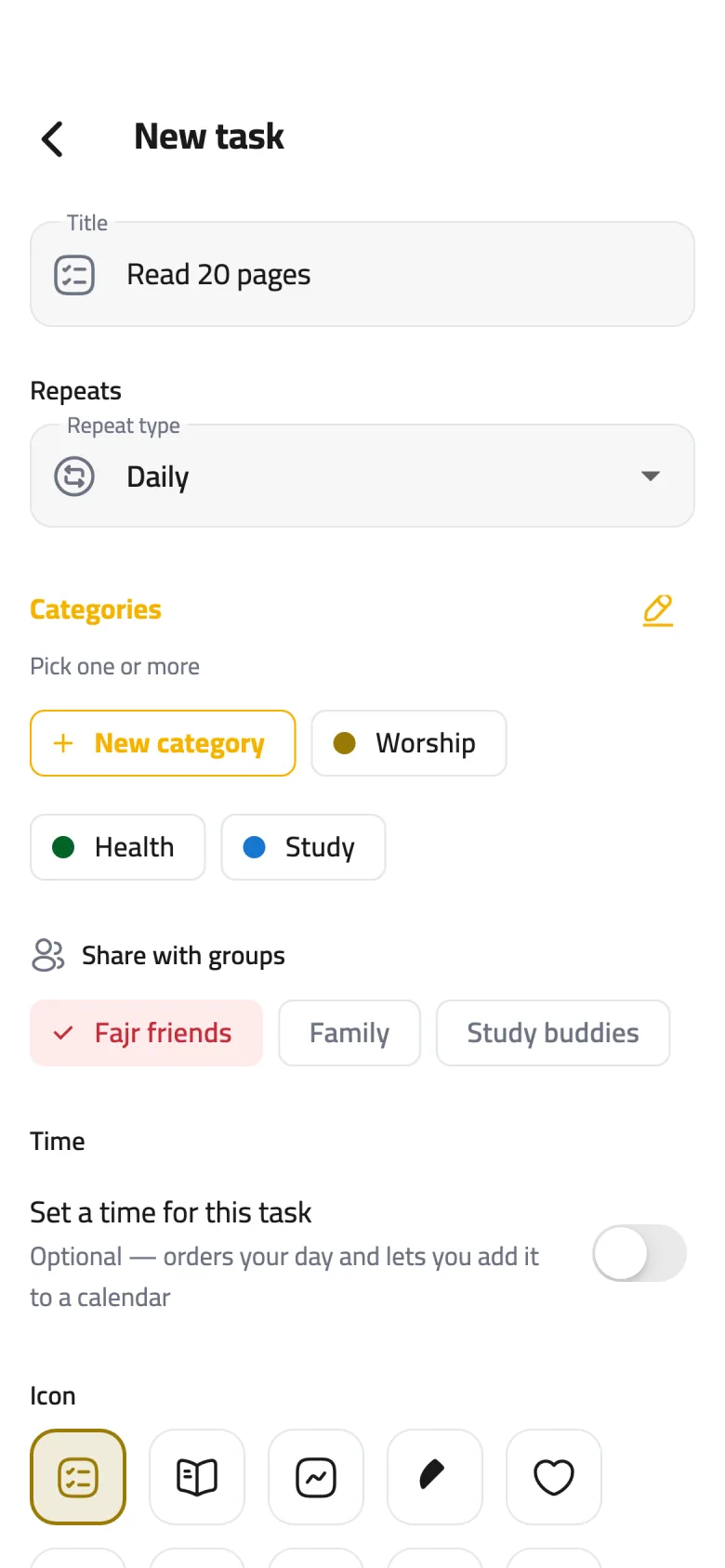
Pick a category for a task
In the task form, under Categories, tap one or more to select them. Can't find the right one? Tap New category and it's created and selected on the spot.
-
Step 4 of 4
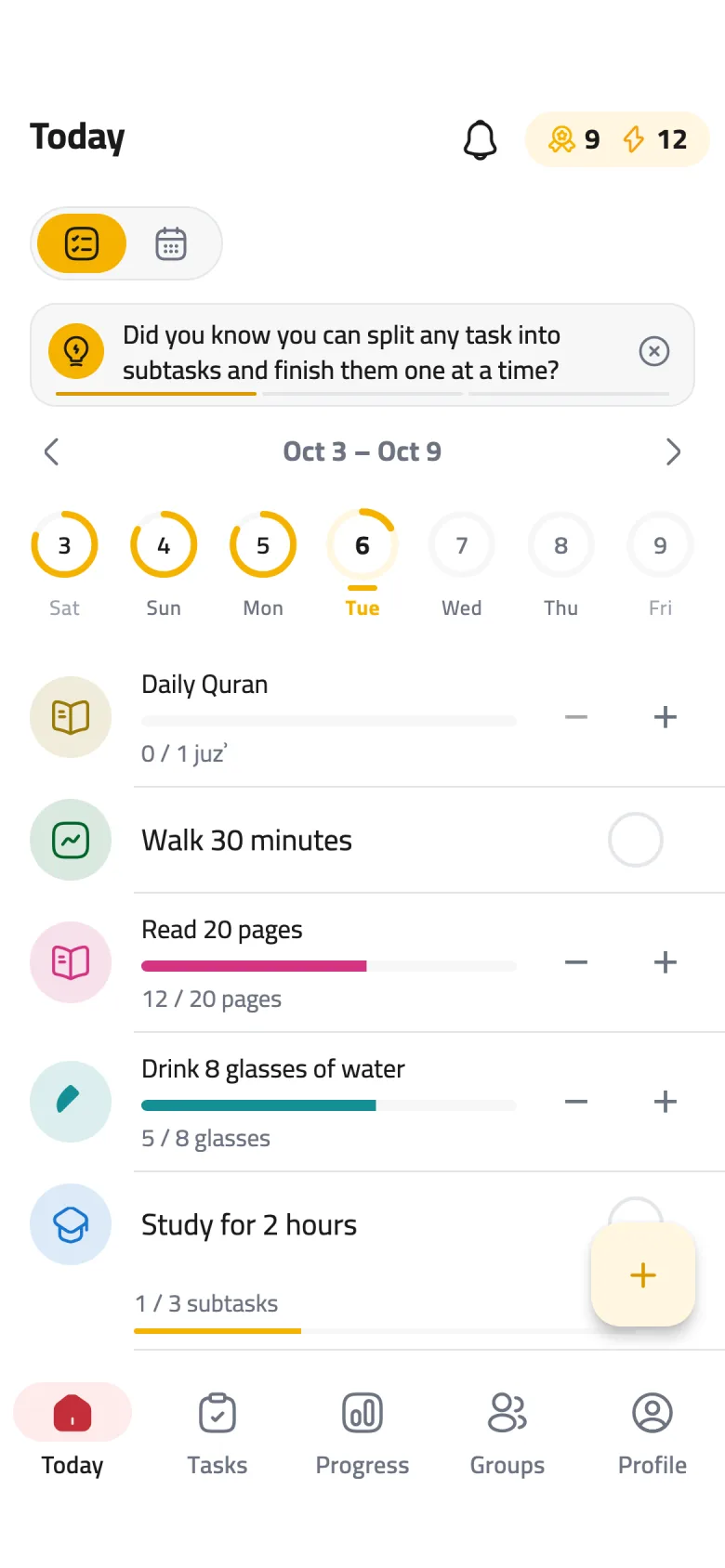
Browse tasks by category
The Tasks tab groups your tasks under their categories, and you can filter it down to a single category.