
The leaderboard and cheering
Understand your group's daily challenge, look back through the week, and cheer a friend on with one tap.
5 stepsEvery group has a friendly daily challenge: who finished the biggest share of their tasks today? It's about lifting each other up, not pressure.
-
Step 1 of 5
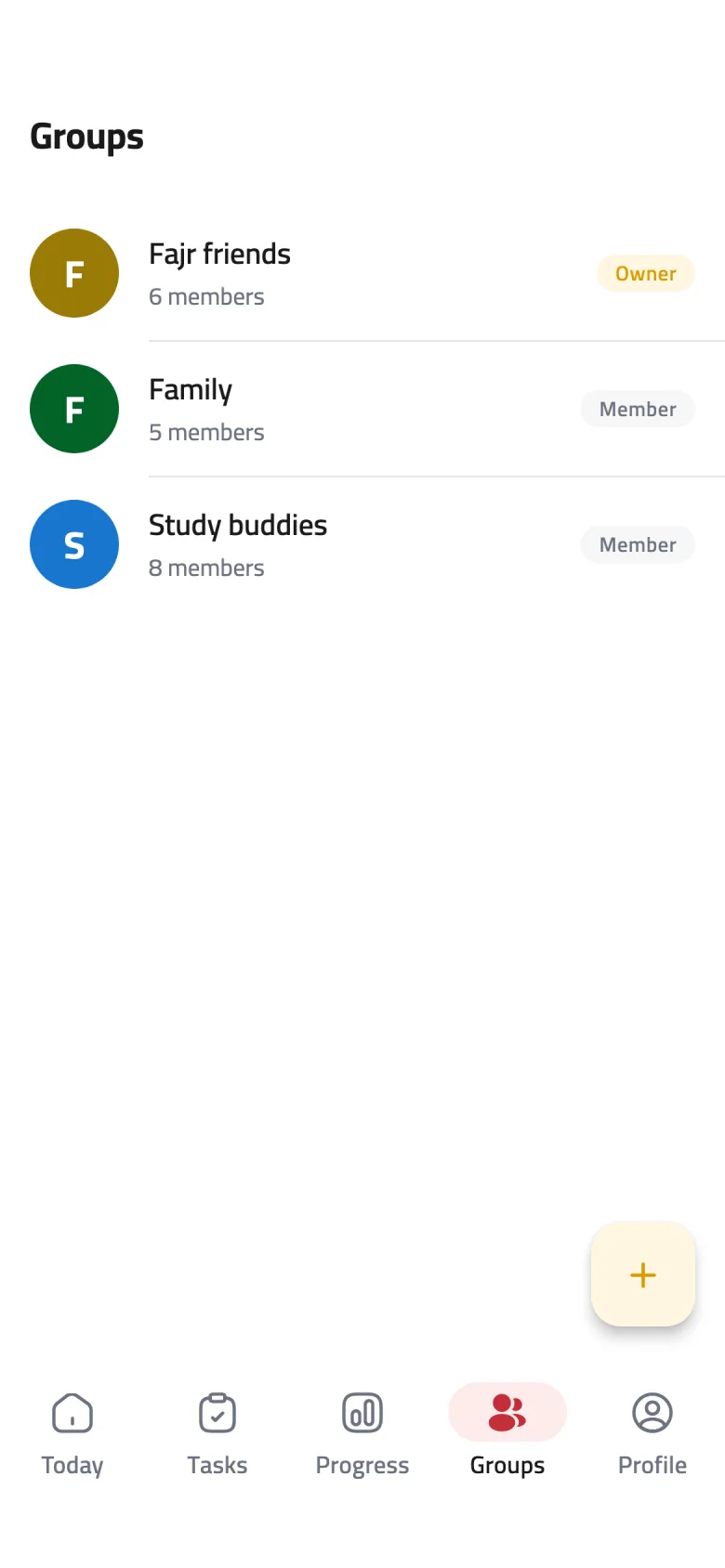
Open your group
On the Groups tab, tap the group you want to follow to open its page.
-
Step 2 of 5
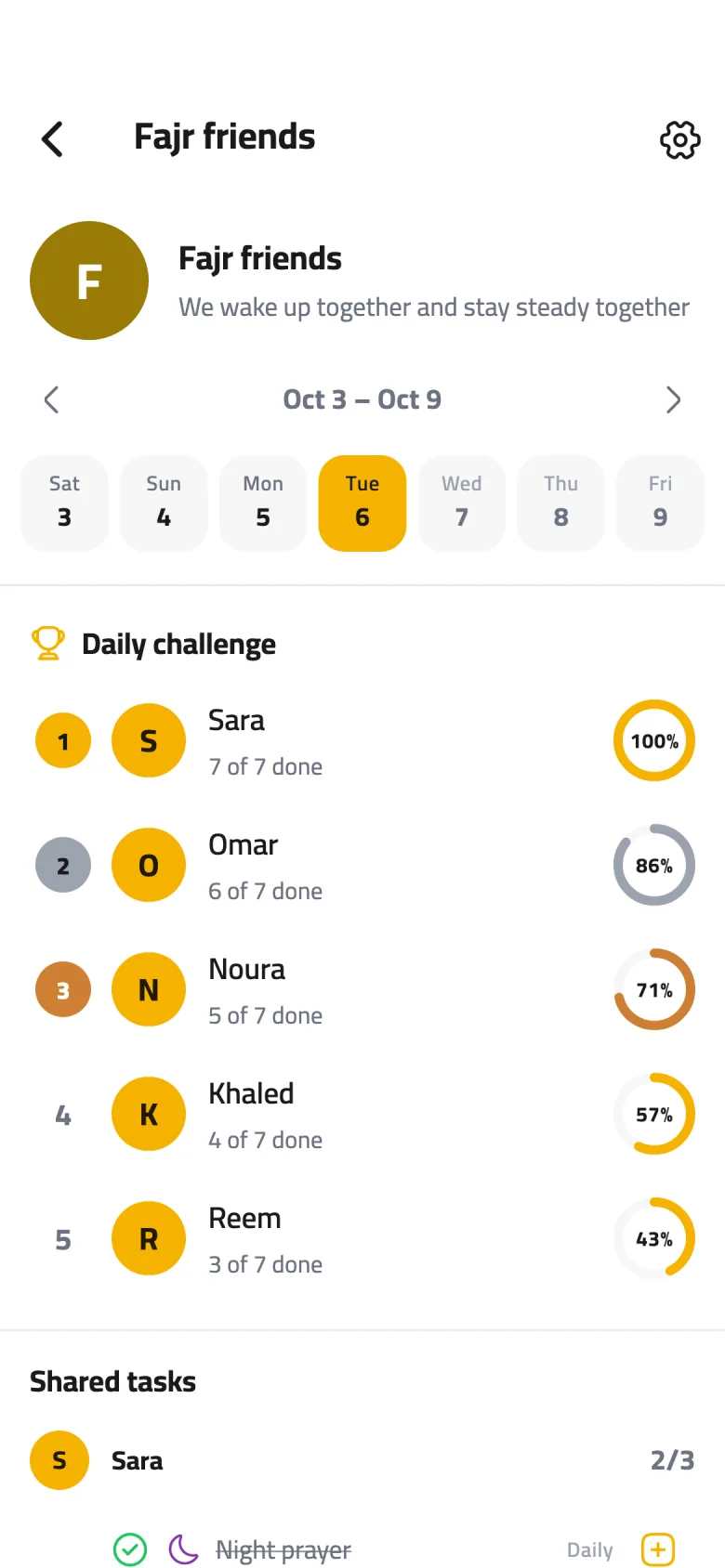
Read the daily challenge
Members are ranked by the share of today's tasks they've finished. Only tasks they shared with this group count, and each member's day follows their own time zone. Under each name you'll see something like “6 of 7 done”, with the percentage in the ring.
-
Step 3 of 5
The top spots
The top three places are marked in gold, silver and bronze, and members with the same percentage share a place. When the day ends, whoever is in first place earns bonus XP.
-
Step 4 of 5
Look back through the week
Tap an earlier day in the week strip to see that day's ranking and shared tasks. Use the arrows to move between weeks.
-
Step 5 of 5
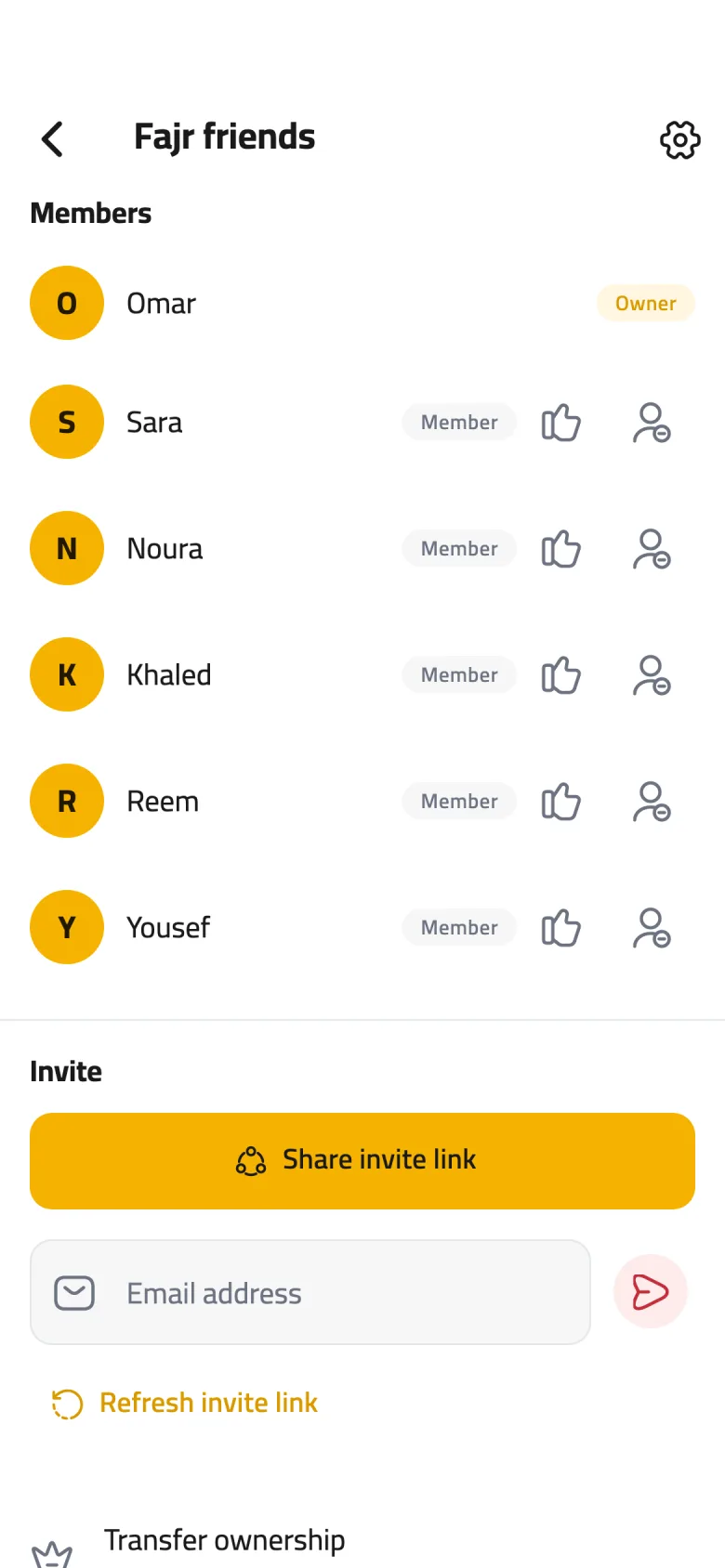
Cheer a friend on
In Members, tap the thumbs-up next to a friend's name and they'll get a notification that you're cheering them on. Cheers have a daily limit, so send them when they count.