
Offline use and syncing
Your tasks work fully offline, and the sync icon shows what is waiting to be sent and lets you sync with a tap.
5 stepsYou do not need a connection to keep up with your day. Rifaq saves every change on your device first, then sends it to your account when you are back online.
-
Step 1 of 5
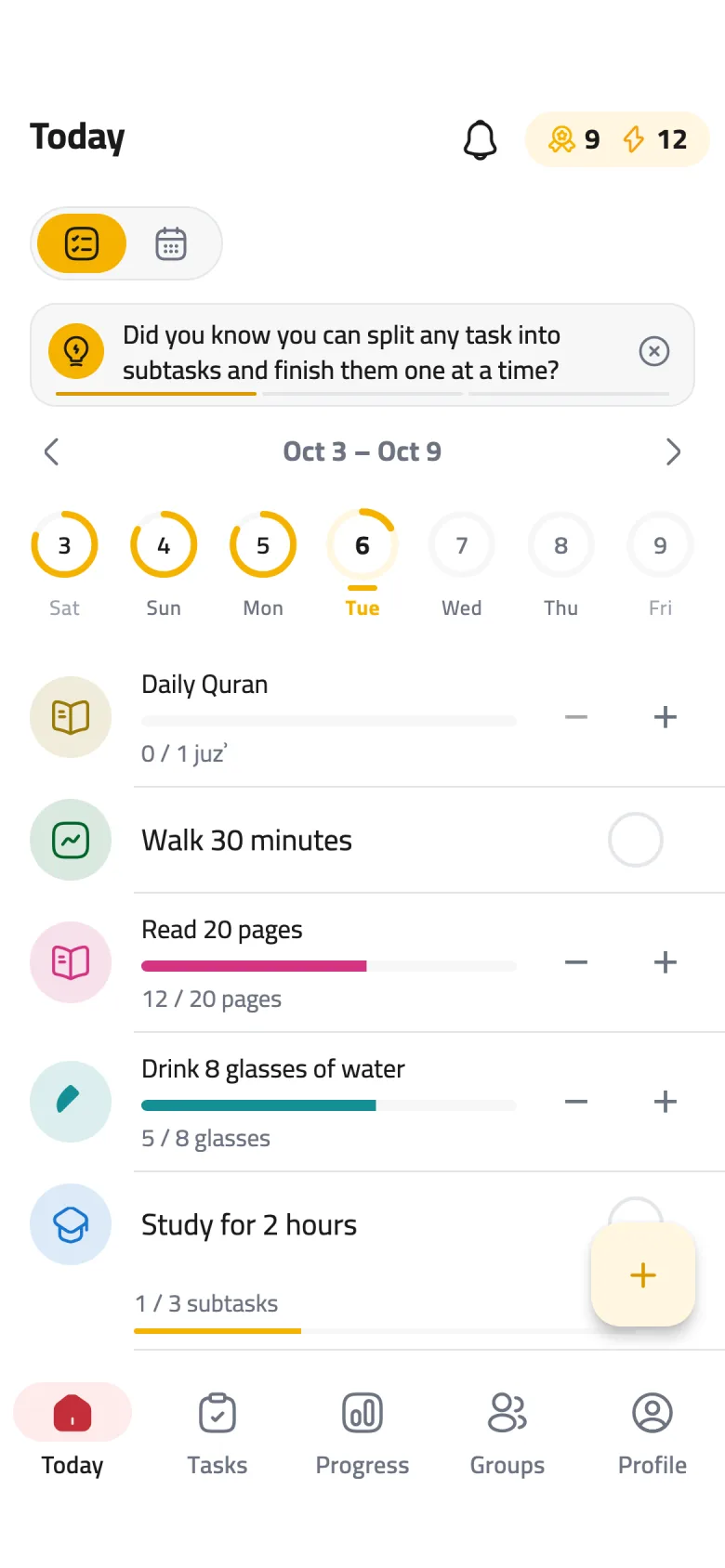
Keep going offline
Add, edit and tick off your tasks as usual, even in airplane mode. Your changes are saved on your device right away and reach your account on their own once you reconnect.
-
Step 2 of 5
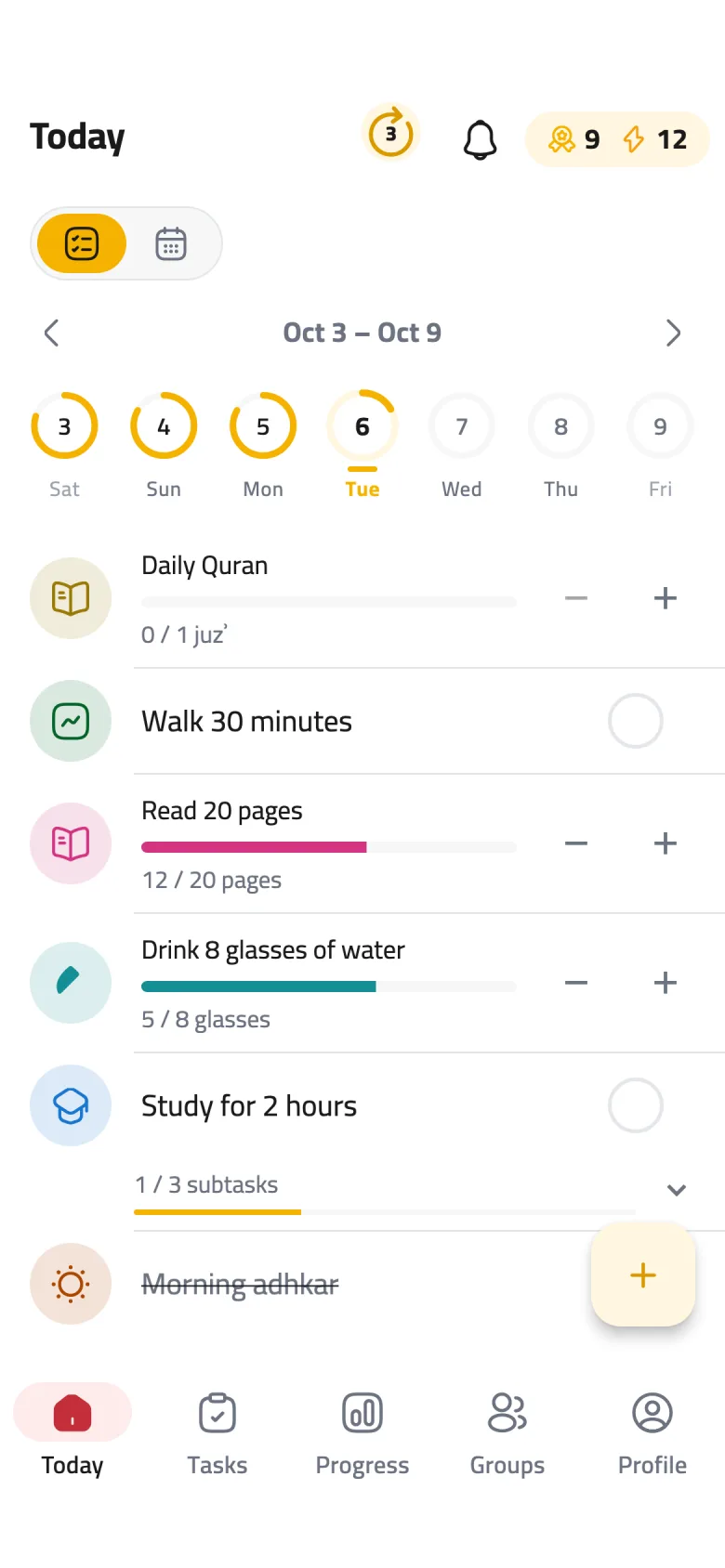
The number beside the bell
When changes are waiting to be sent, a circle with their count appears beside the bell. If you are offline, tap it for a reminder that your changes will sync later.
-
Step 3 of 5
Sync now
When you are online, tap the circle to send your changes now instead of waiting. It spins while syncing, then disappears once everything is through.
-
Step 4 of 5
If it turns red
Red means some changes could not sync. Tap it and Rifaq tries again; if anything is still stuck, a “Changes that couldn't sync” list opens. Remove what you do not need with Discard or Discard all — a discarded change is lost for good.
-
Step 5 of 5
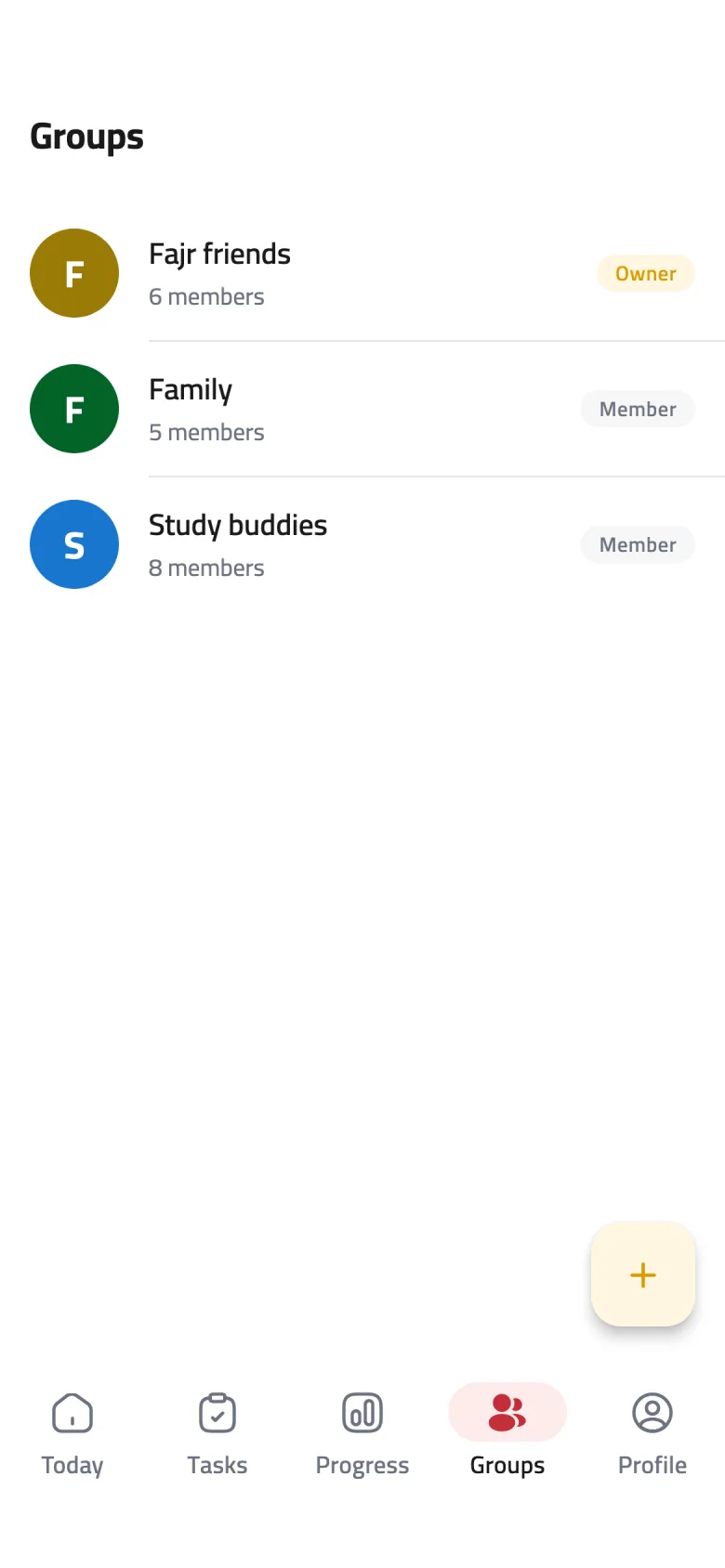
Groups need a connection
Your groups, their rankings and what your buddies share all come from the internet. If you lose the connection you will see “No internet connection”; tap Retry once you are back.