
Settings
Change how the app looks, control the tips strip, set your time zone, and show the Hijri date.
5 stepsMake Rifaq your own. Everything you need is on the Settings page.
-
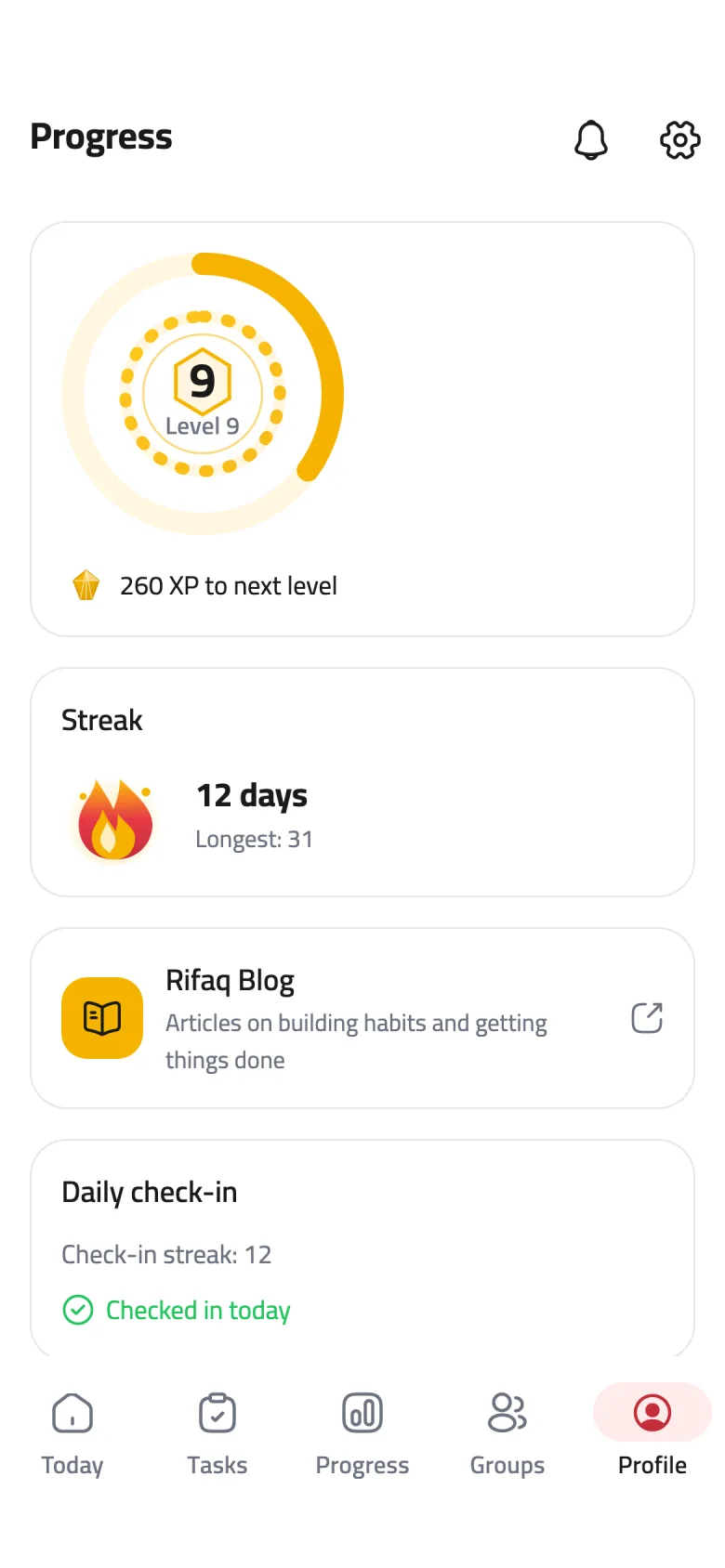
Step 1 of 5
Open Settings
Tap Profile in the bottom bar, then the gear icon at the top of the page.
-
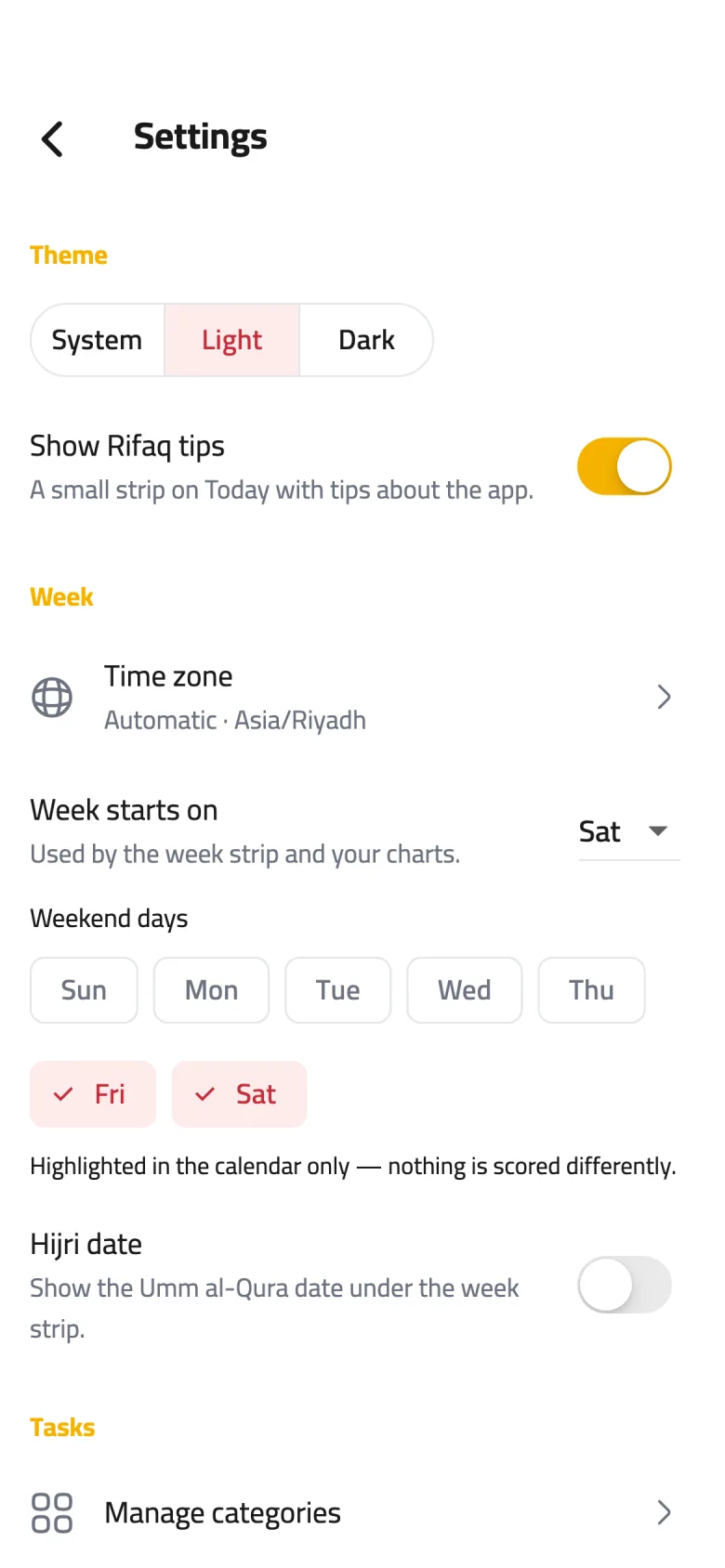
Step 2 of 5
Pick a theme
Under Theme, choose Light or Dark, or System to follow your phone's setting.
-
Step 3 of 5
The tips strip
The Show Rifaq tips switch controls the small strip at the top of Today. To hide it for today only, tap the close button on the strip itself.
-
Step 4 of 5
Time zone
Your day starts and ends, and reminders ring, in this time zone. Tap it and choose Automatic (device time zone) to follow your phone, or Choose a time zone and search for your city.
-
Step 5 of 5
Hijri date
Turn on Hijri date to show the Umm al-Qura date at the top of Today, beside the list and calendar switch. It is on from the start when you use the app in Arabic.