
Your progress
Follow how each habit is going across the week, month and year, and look back over your days in the calendar.
5 stepsThe numbers show you what's hard to notice day to day: which habits are holding steady, and which need a little more care.
-
Step 1 of 5
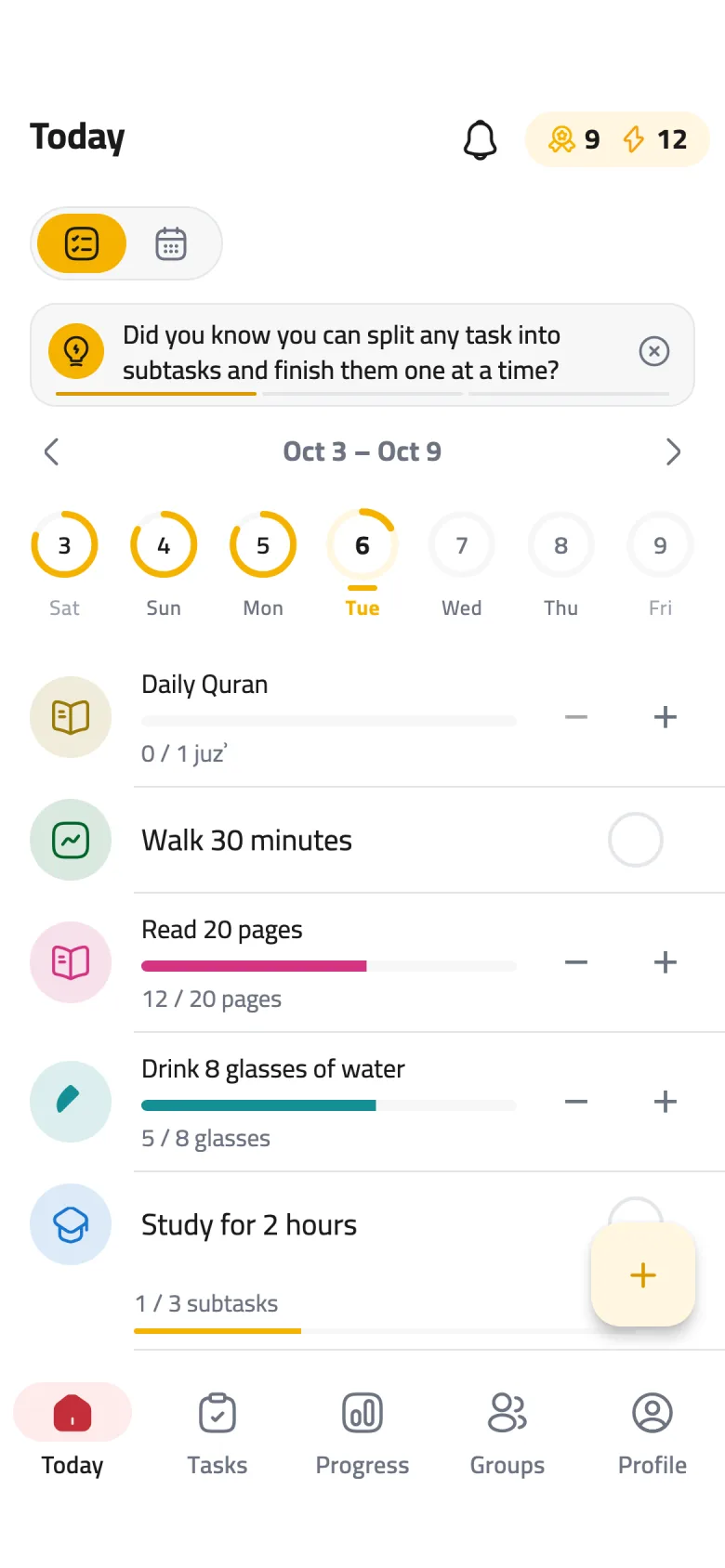
Open the Progress tab
Tap Progress in the bottom bar. This is where you see how every habit is really going.
-
Step 2 of 5
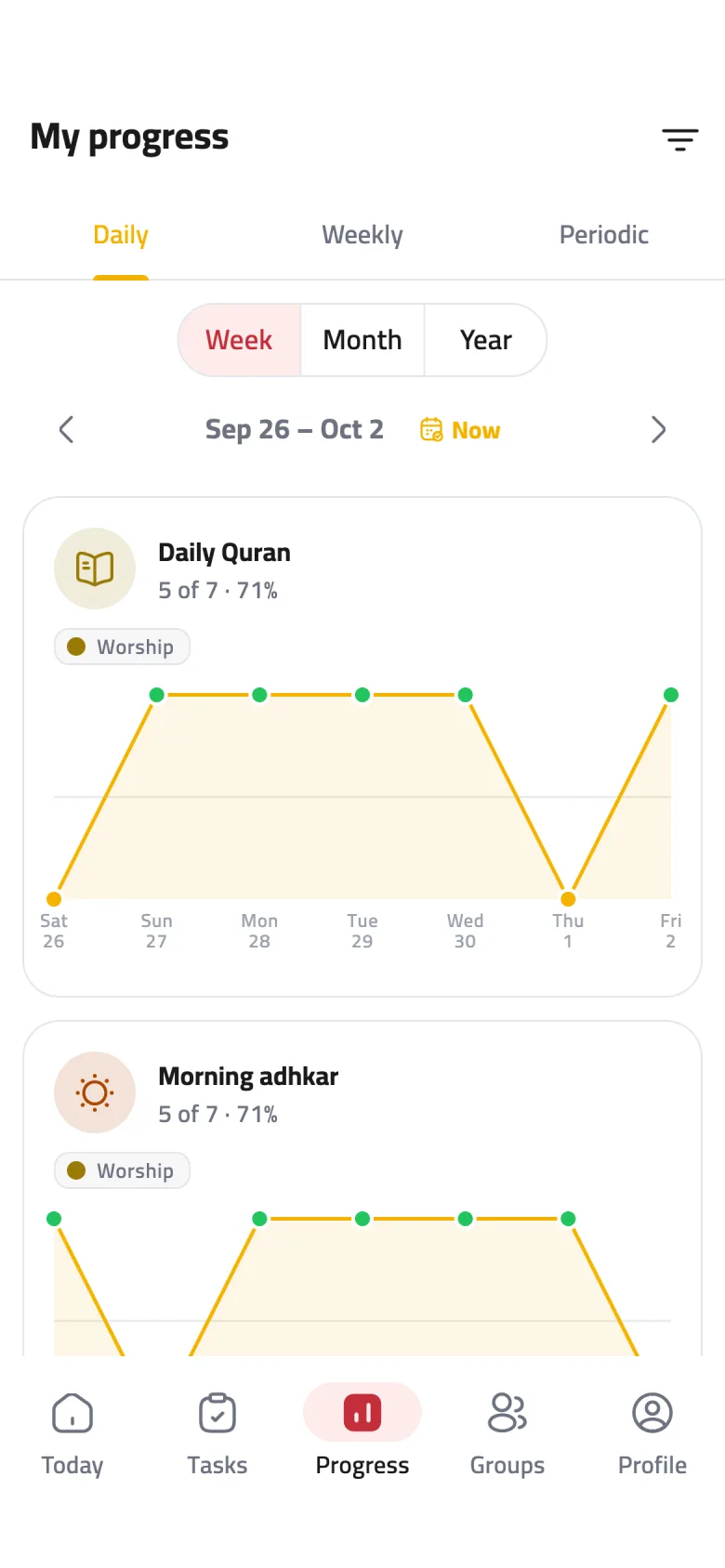
Pick a kind of task
Three tabs sit at the top: Daily, Weekly and Periodic. Each one shows the tasks that repeat that way, with a card for every task.
-
Step 3 of 5
Pick a time range
Switch between Week, Month and Year, and use the arrows to move between periods. Tap Now to jump back to the current one. On the Weekly tab you'll find Month and Year only.
-
Step 4 of 5
Read a task's card
Under the task's name you'll see how many due days you completed and the rate, like “5 of 7 · 71%”. Green dots are days you finished, a gap in the line means nothing was due that day, and you can tap any point to see its date and percentage.
-
Step 5 of 5
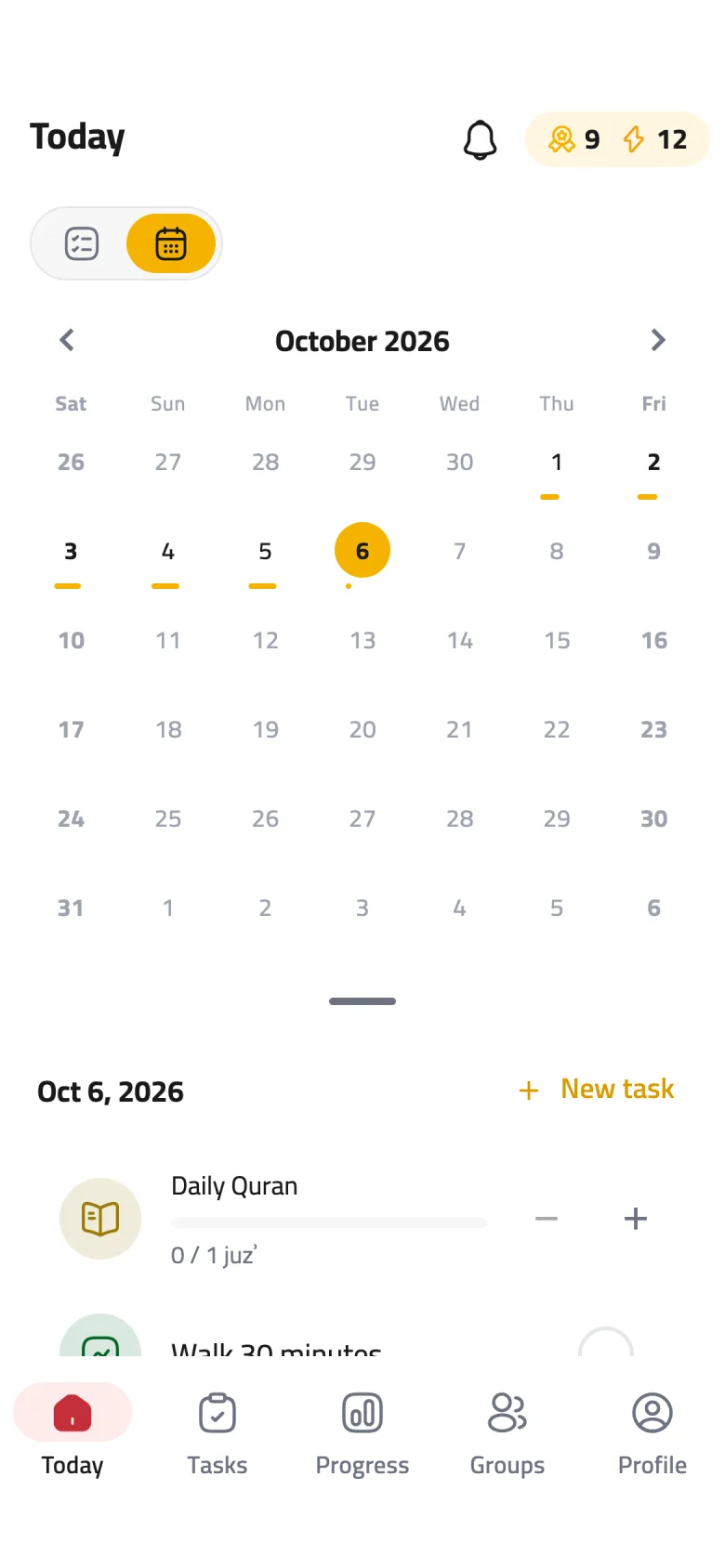
Look back in the calendar
On the Today screen, tap the calendar icon at the top to switch from the list to a month view. The bar under each day shows how that day went — tap any day to see its tasks below.